MANE 6313
Week 2, Module C - First RMarkdown Project
Start RStudio
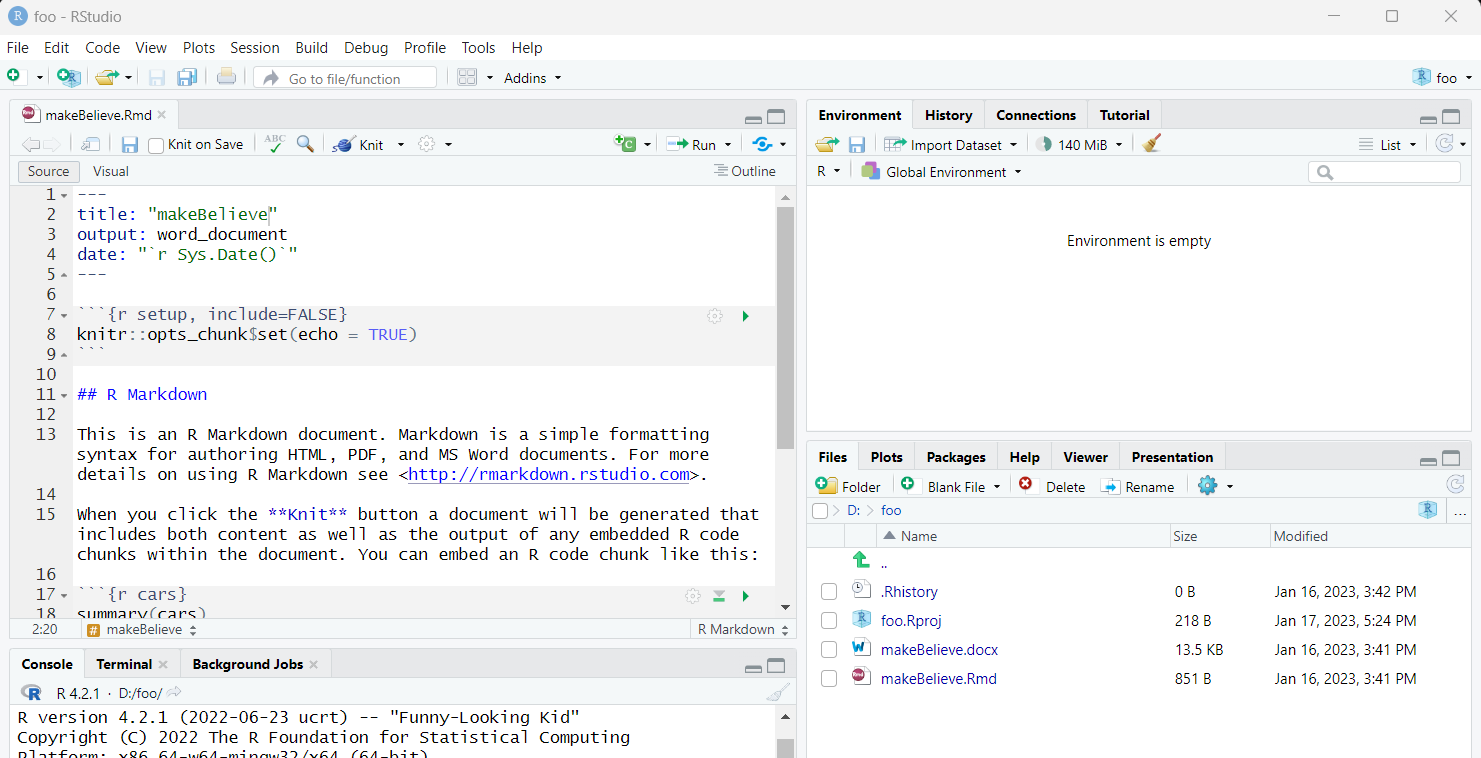
Create A New Project
-
Two Methods
-
File, New Project
-
Click on New Project Icon
-
In general, we use a new directory
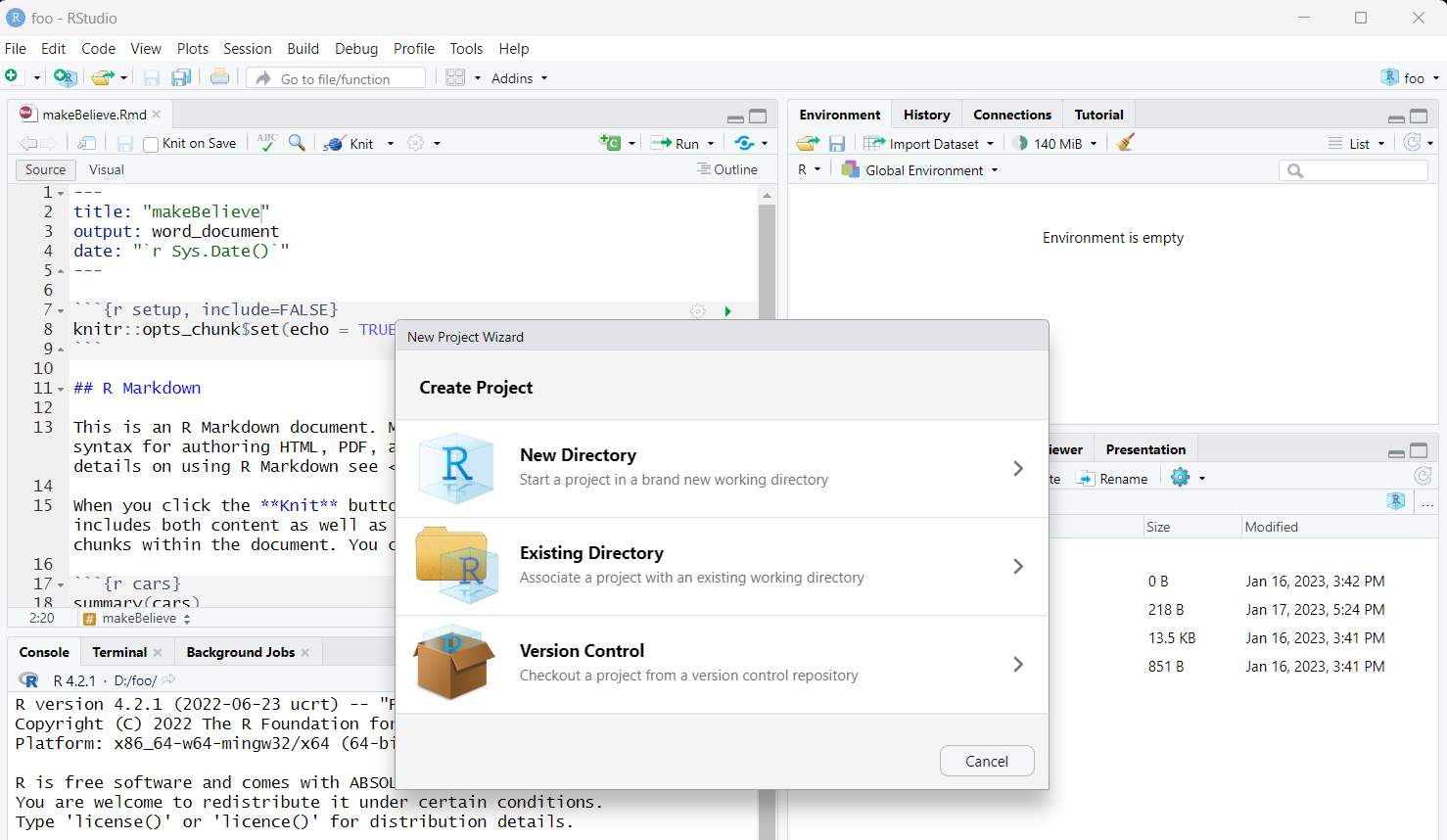
Project Type Selection
We want to create a New Project
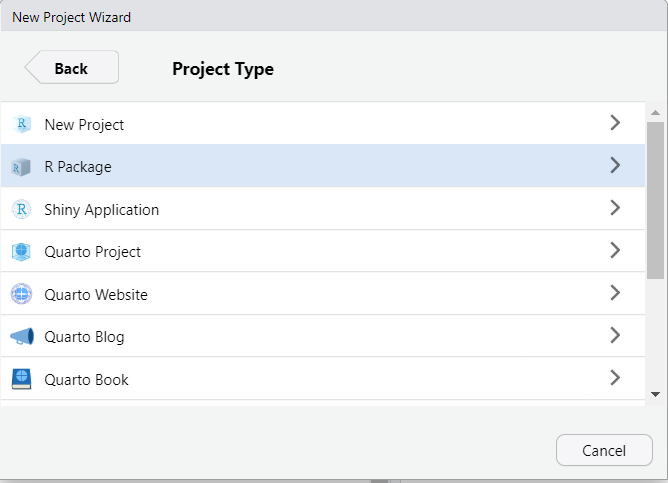
Create New Project
The Directory Name and location must be specified
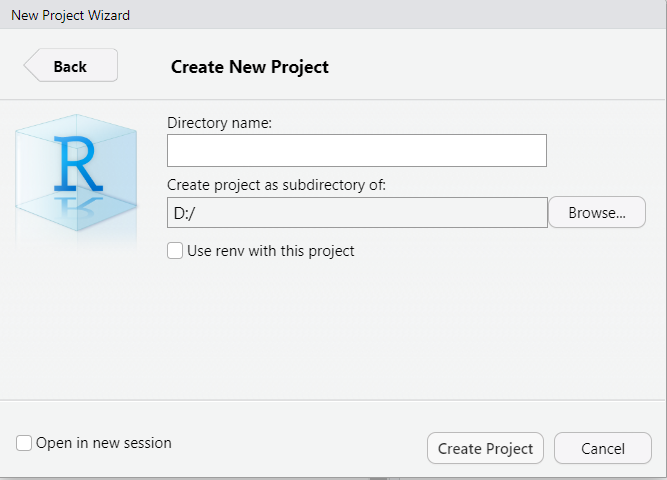
Blank Project
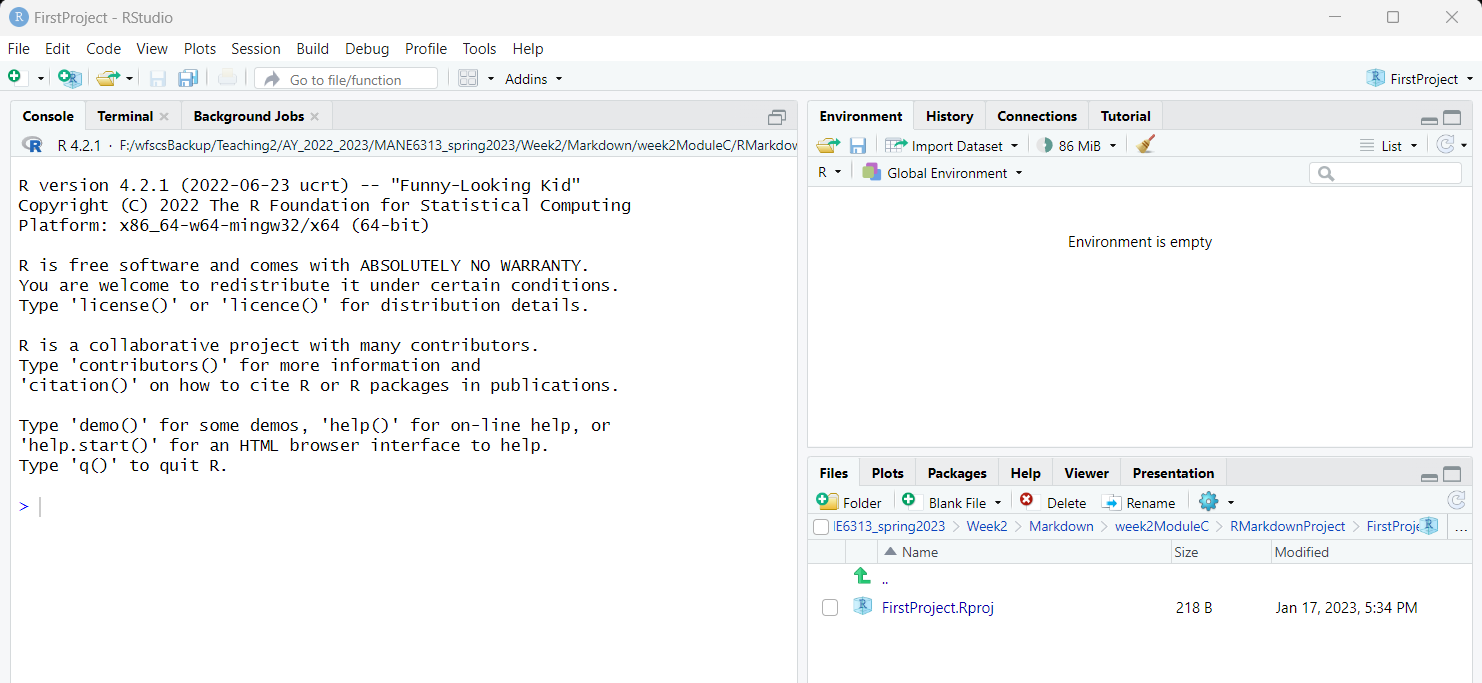
Create RMarkdown File
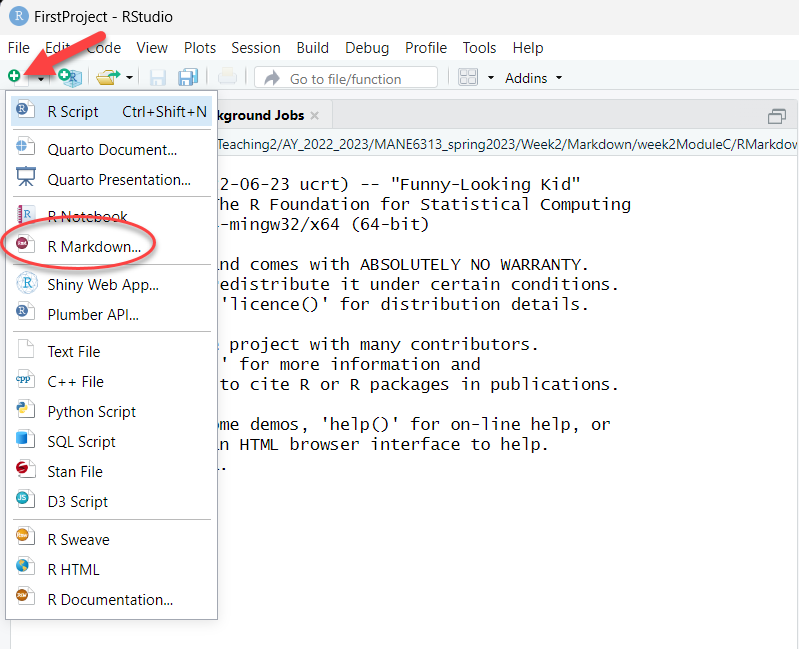
New R Markdown Form
- Give title for the R Markdown document in the Title field
- Add your name as the author
- My preference is to click on the check box below the Date field to use the current date
- Select Word as the Default Output Format. PDF requires additional software to be installed. You can always export to PDF from Word.
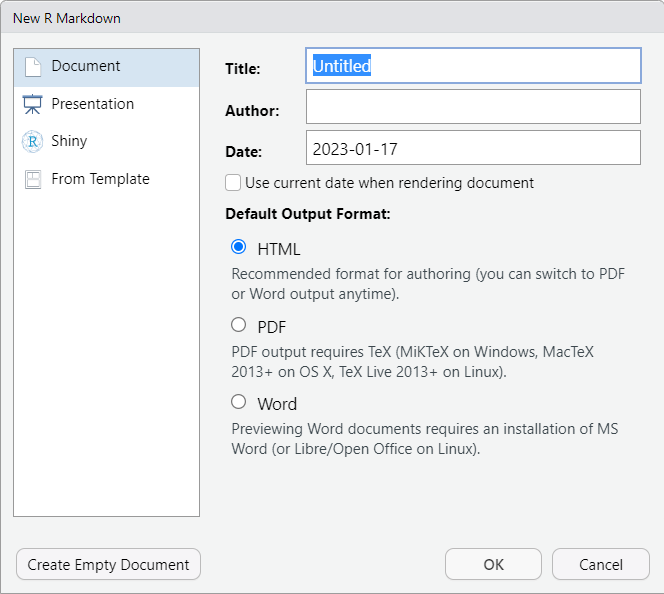
IDE View
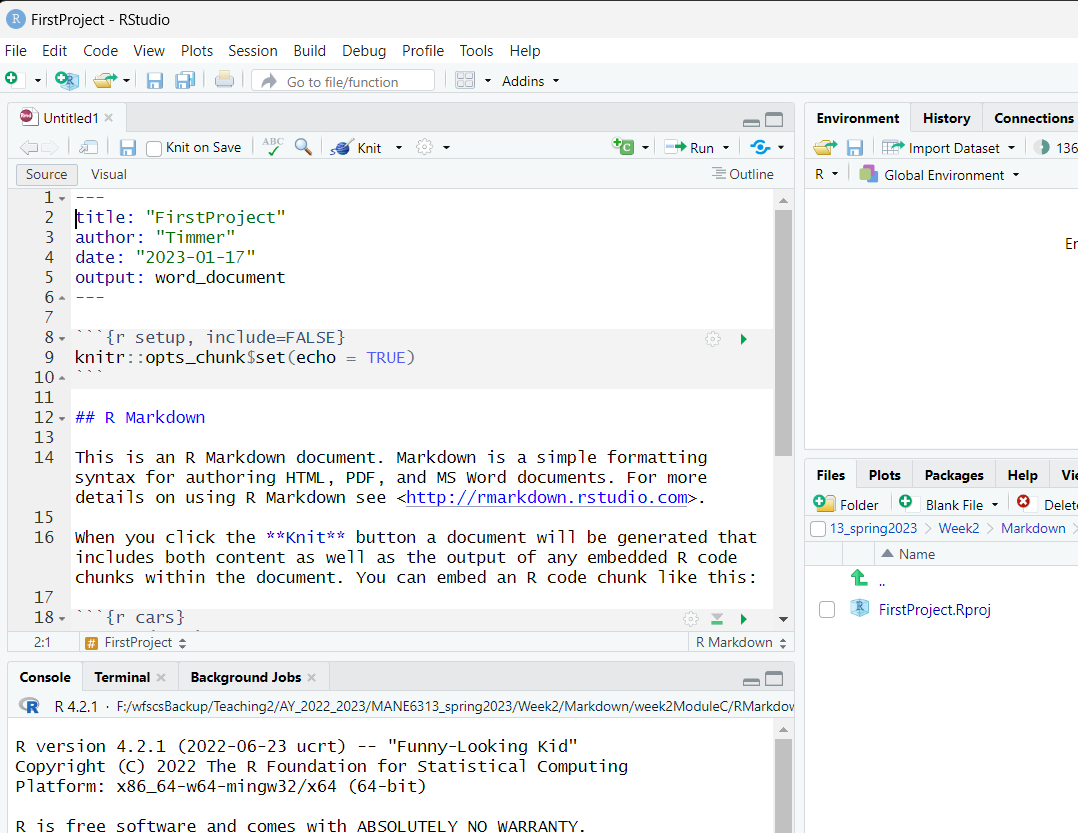
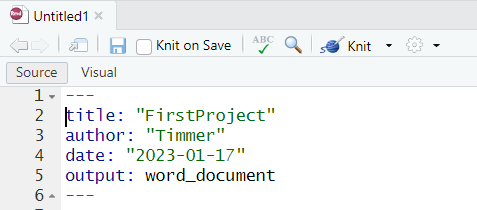
YAML
Yet another markup language(YAML) is contained between the dashed lines. It stores the document definition.
R Code
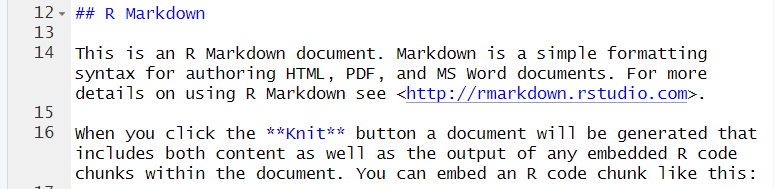
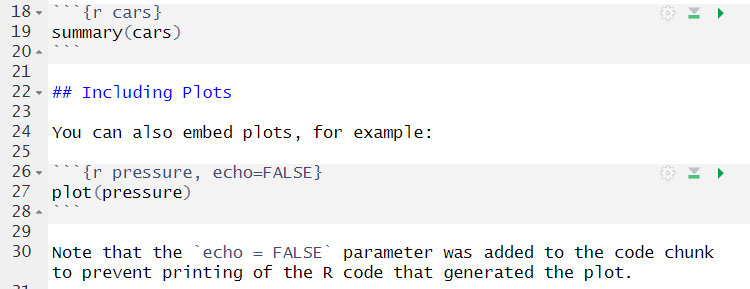
R Code is displayed in the grey box. R Code snippets have the structure of

Markdown
Markdown codes appear in lines 12 - 16 of the file. A separate module will cover Markdown
More R Code and Markdown
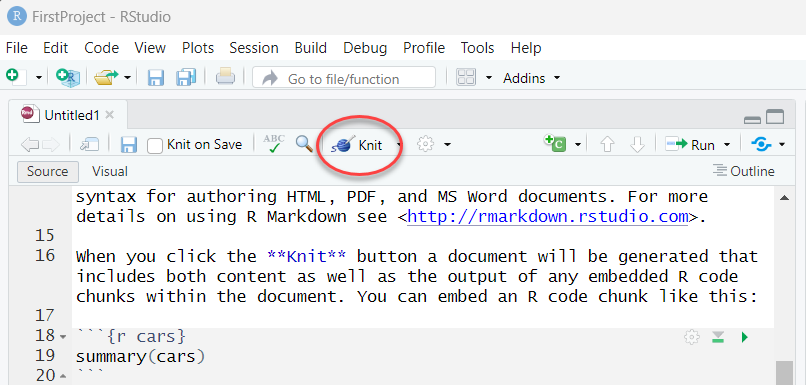
Knitting a Document
Knitting is the process of create the output document from the YAML block, Markdown code and R code.
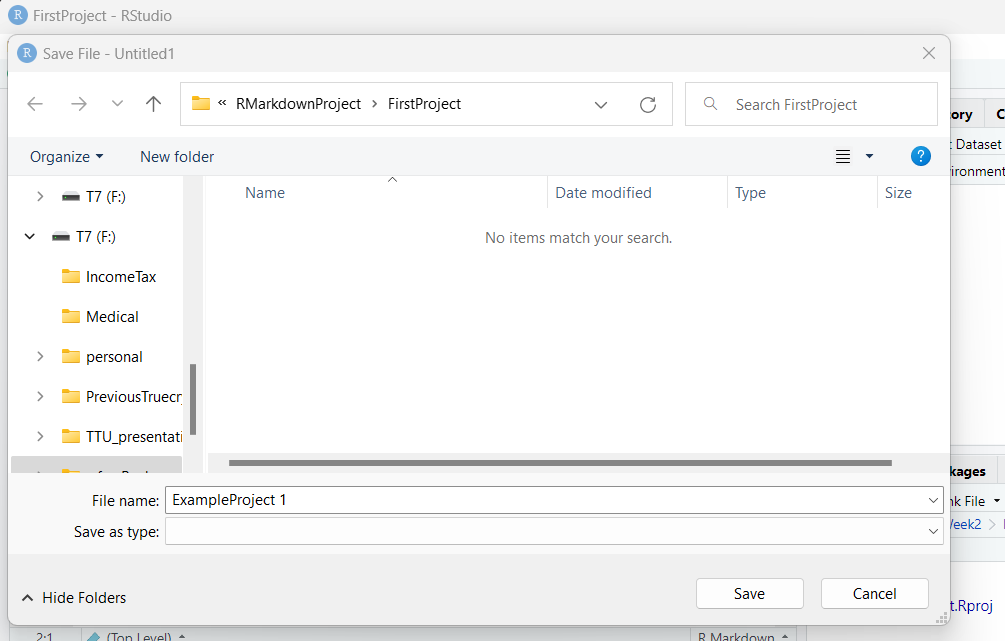
Save File
Results of Knitting
- Output appears in Console area (lower left pane)
- File list is updated and include a Word Document
- File area contains updated information (lower right pane)
Live Demonstration
- Dr. Timmer will provide a live demonstration
- This process always creates the same starter code that can then be modified